Account Overview
You can access everything related to your account under the “Account” navigation menu including your Mailbox, Storage Room, Craft Room, Achievements, Friends, Referrals, User Log, and Settings.
Your Profile
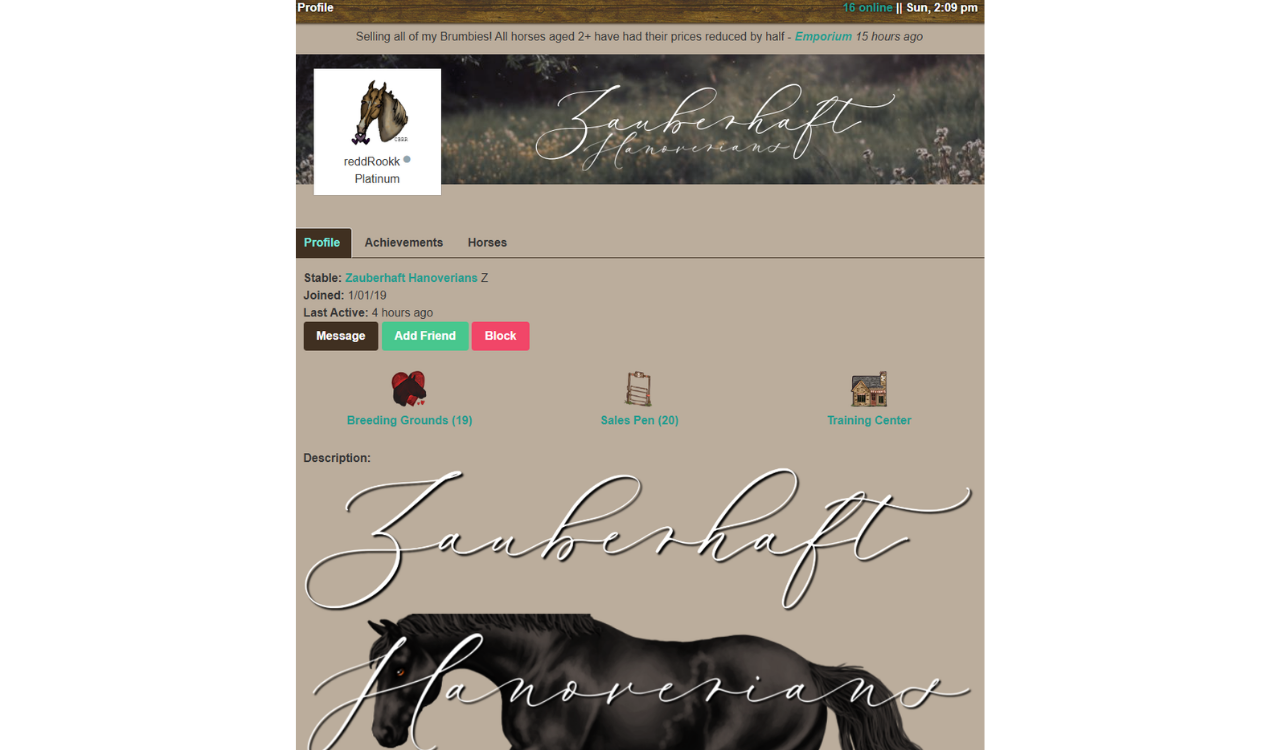
Clicking ‘Account’ opens an overview of your profile. Here you can view your membership status, stable name, join date, last active time, current online status and stable description. Your avatar and stable banner are displayed at the top of the page.
You will also be able to view your active Account Boosts (Needs Link/Page), Achievements (Needs Page), and overview of the total number of horses owned, broken down into stallions, mares, and foals. You can also access your personal Breeding Grounds, Sales Pen, and Training Center from your Profile Page.
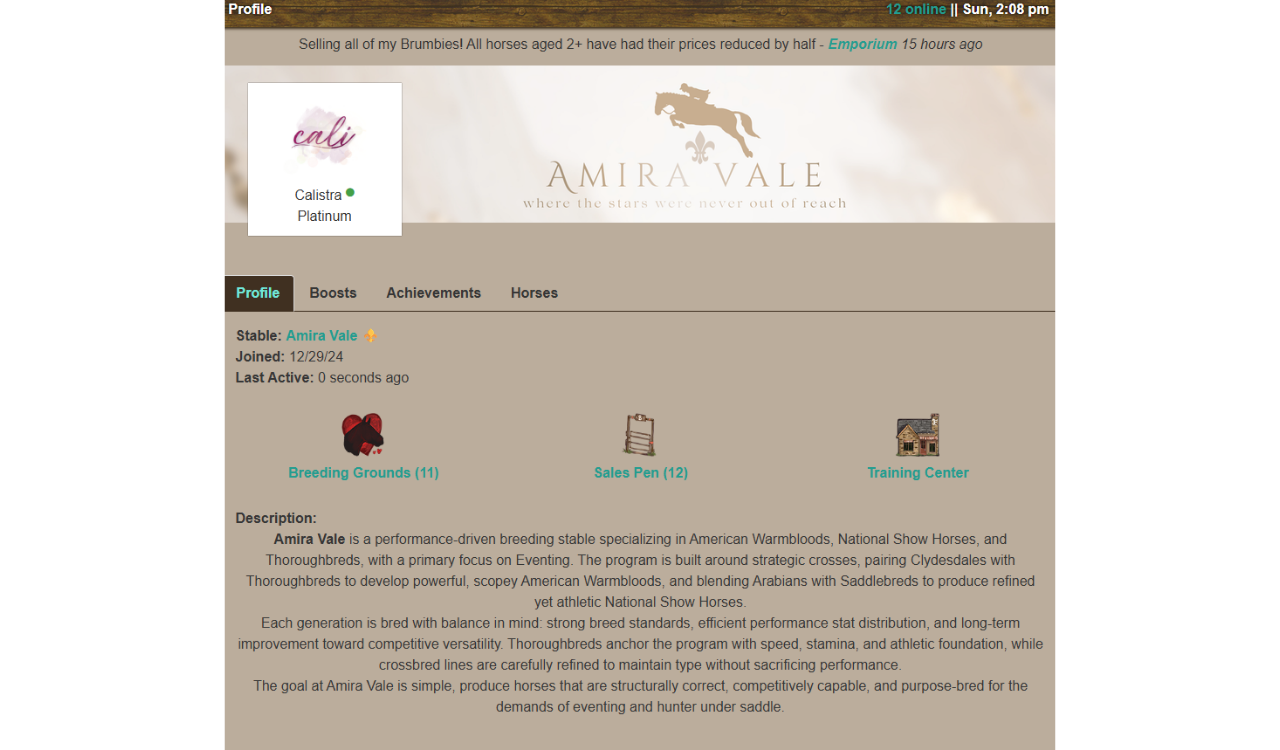
Viewing Another Player’s Profile
When viewing another player’s account, you will see the same general layout; however, their active boosts are not visible.
From another player’s Account page, you can also:
- Send a Message
- Add them as a friend
- Block Player
- 🟢 = player is online.
To update and customize your profile page, go to Settings from the Account dropdown menu.