Mailbox
Everyone who lives in Horse Fable has their very own Mailbox! The town is still be lacking in some technology, and so all letters are picked and delivered by the local crows instead. These feathered couriers seem more than happy to carry messages across the land, though no one seems to question how and why…
Please note that even when privately messaging another player, you are still expected to follow HoFa’s Community Rules.
Opening Your Mailbox
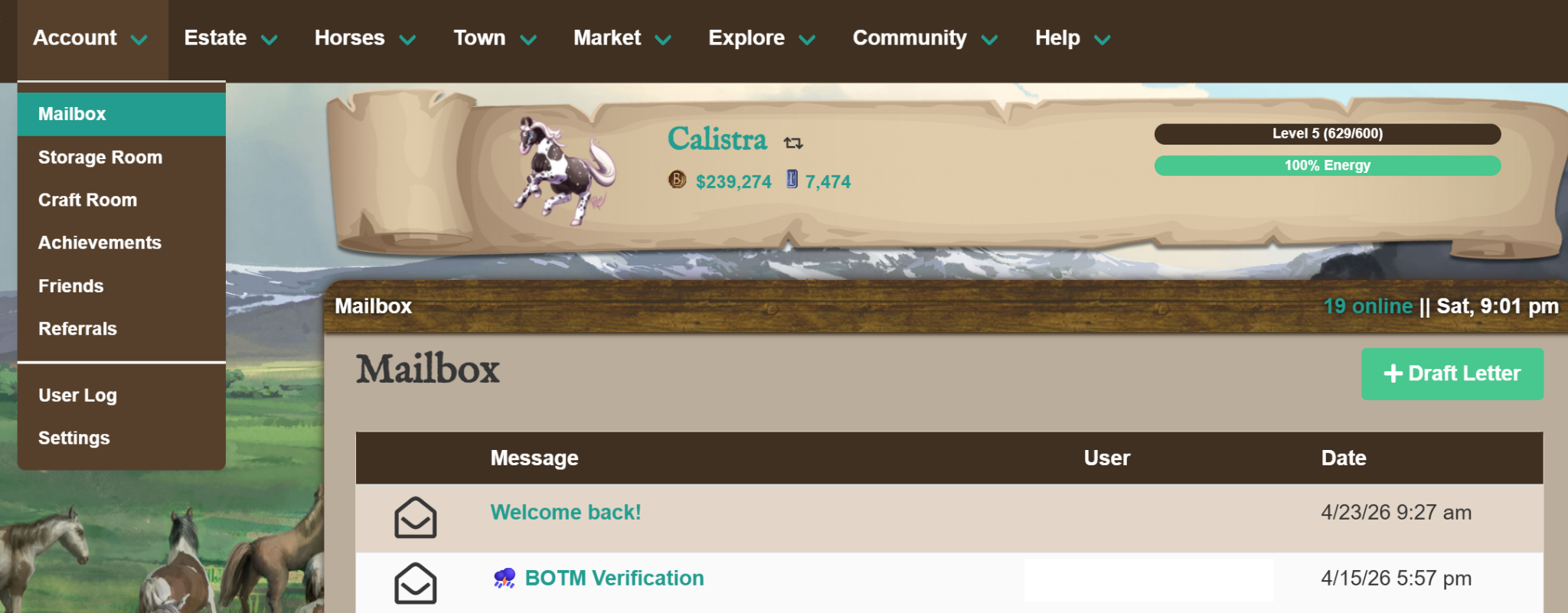
You can access your Mailbox by going to Account > Mailbox. Here you can view any letters you have sent and received, or draft a new message.
Different Ways to Send Messages
Mailbox page: click the “Draft Letter” button at the top of the page.

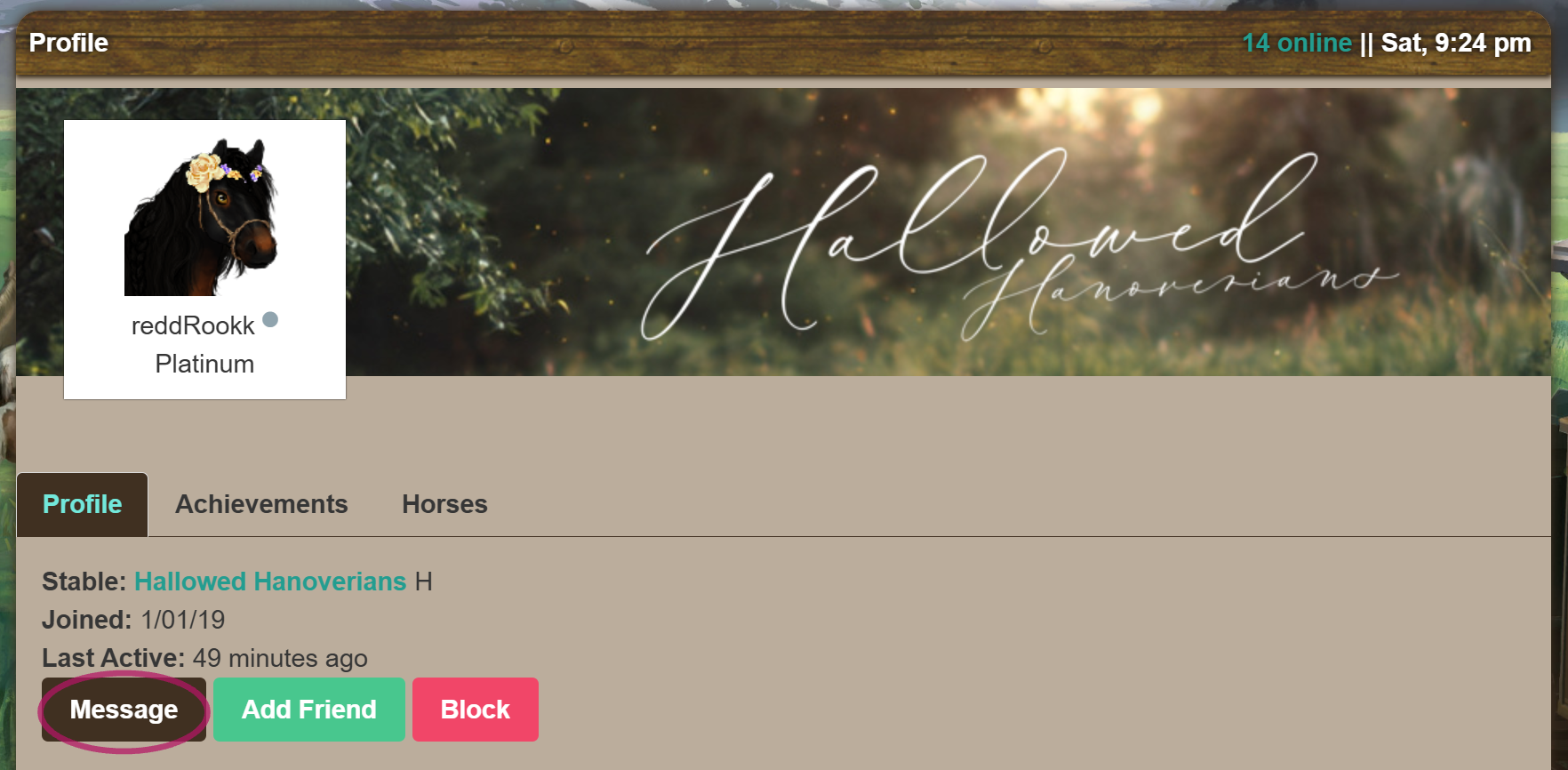
Player Page: click the “Message” button on the player’s Profile tab.
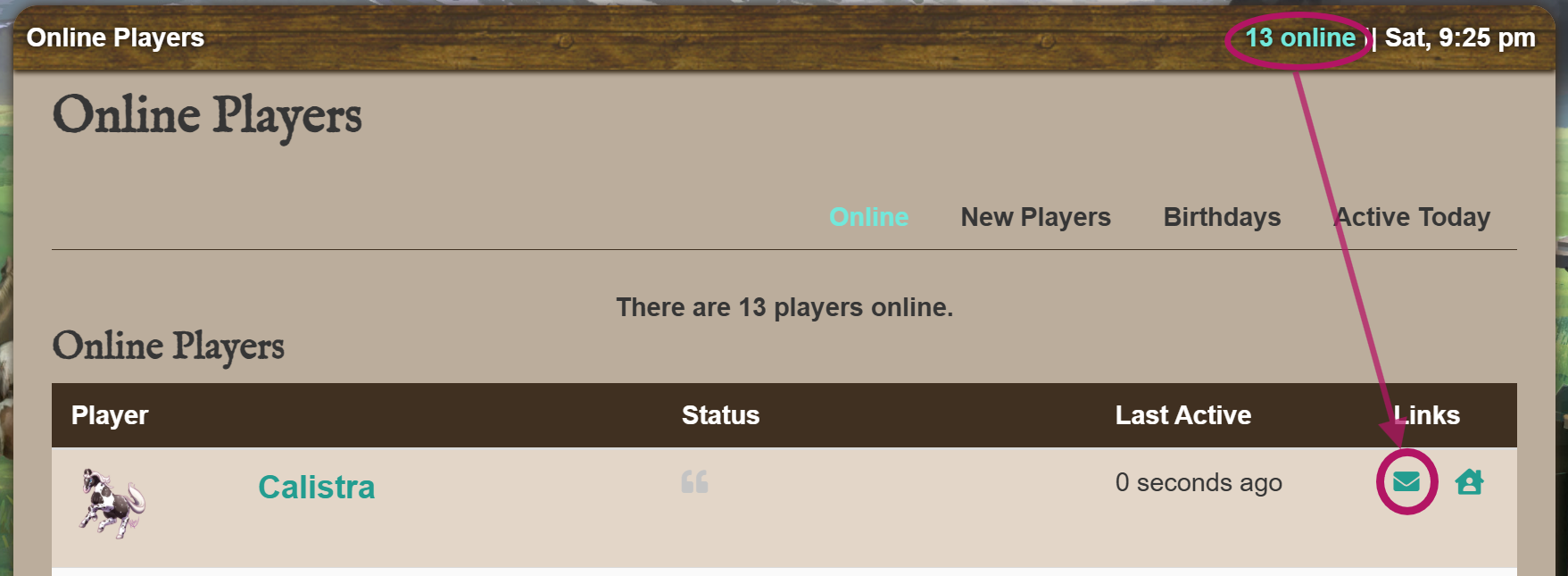
Online Players List: click on the envelope icon to the right of a player’s name.
Receiving Messages
1. When you receive a message from a player, you will see a yellow banner notification at the top of your screen that displays which player sent you a message. The notification will remain until you click “View ->” or dismiss the alert with the “x” button.

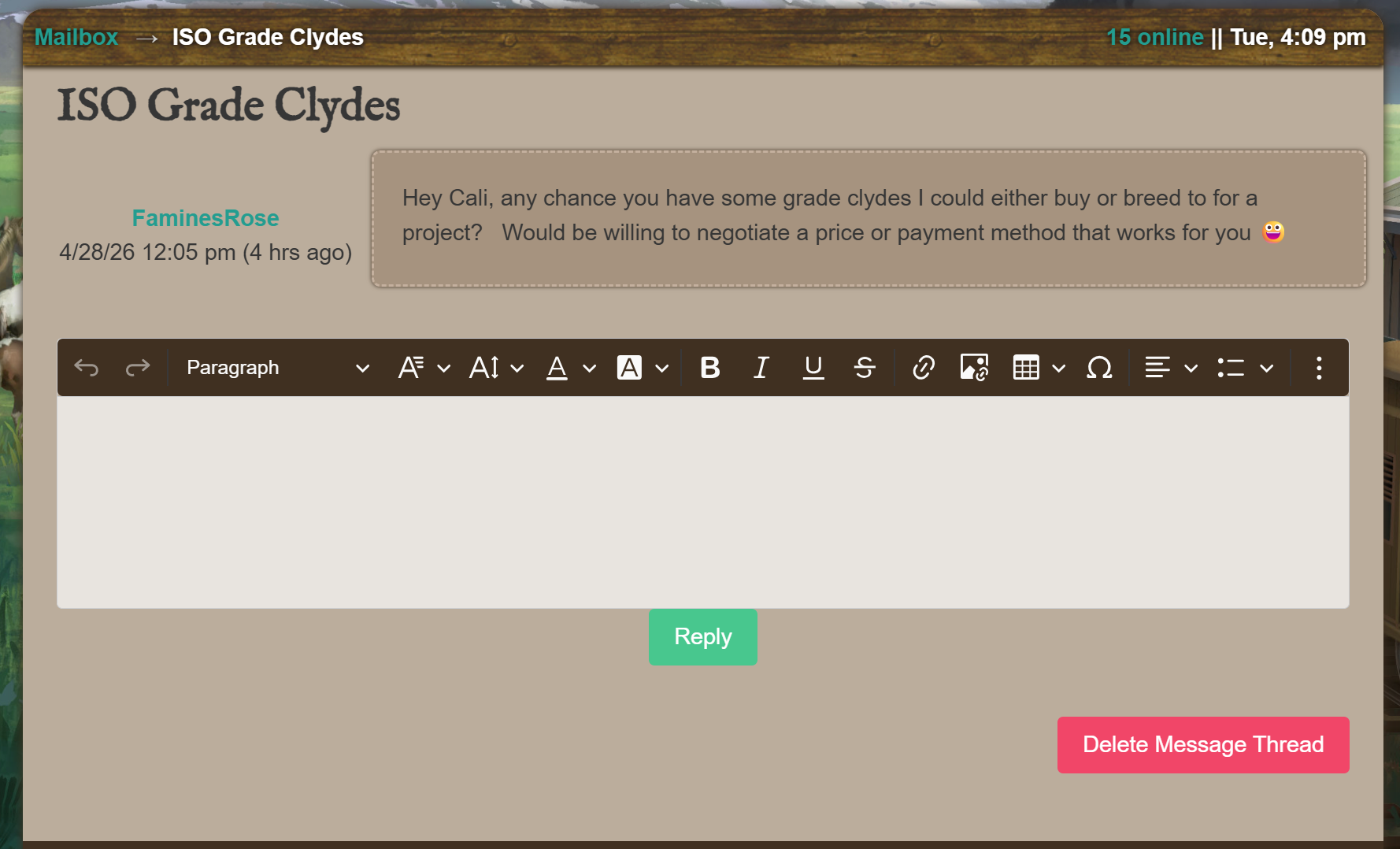
2. Clicking “View ->” will take you directly to the conversation thread. Every message sends an alert, so If you have received more than one message, you will continue to see yellow banners until you have viewed or dismissed all of them.
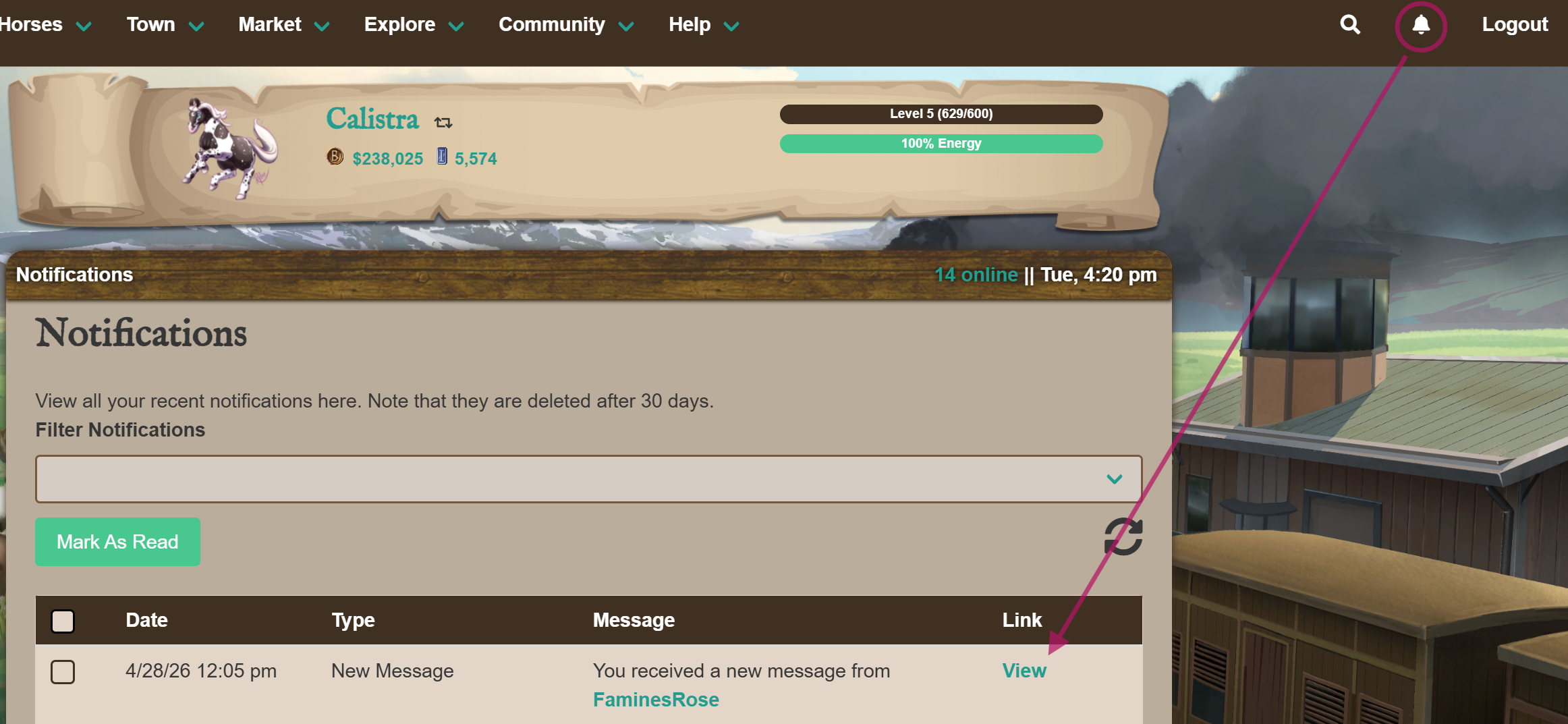
3. You can also access the message through the “Notifications” page and filtering for “New Message”.
Note: This button is sometimes hidden on mobile, click here if you have trouble viewing the Notification Page!